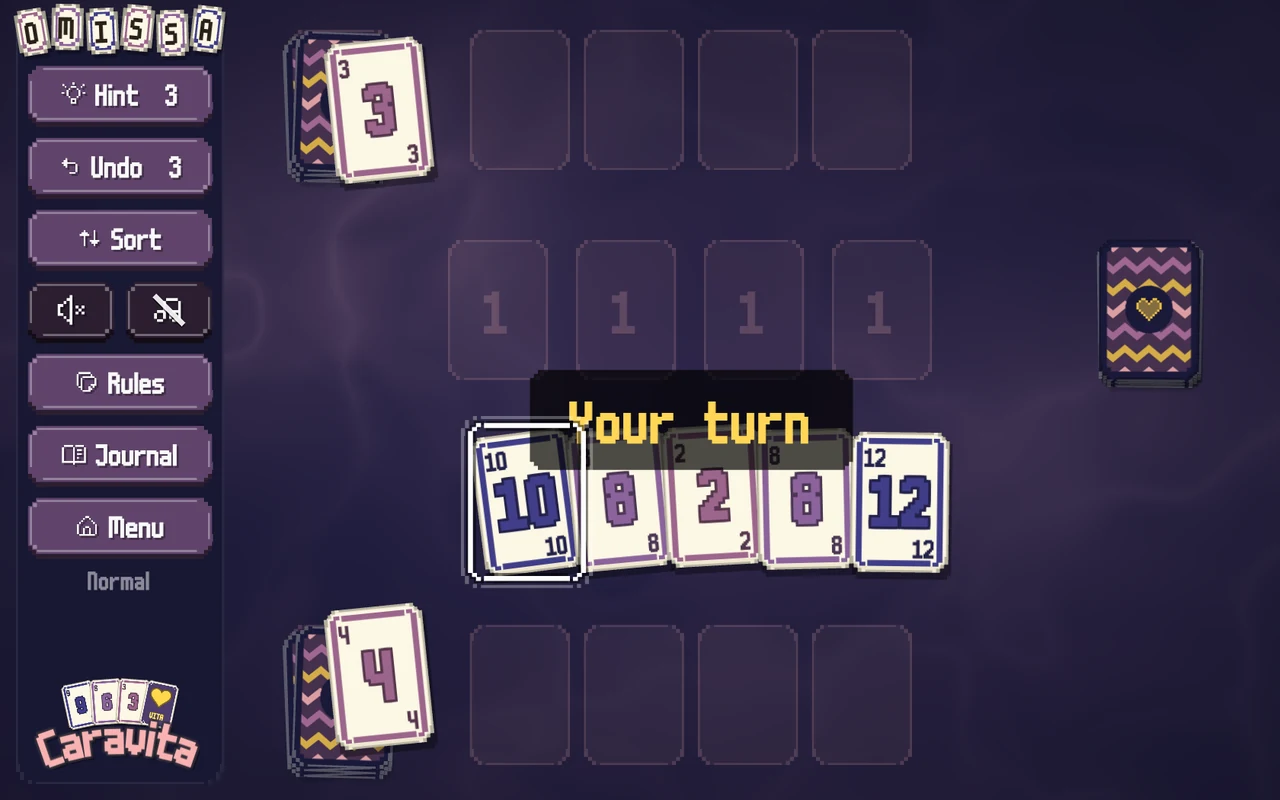
In your library, and on the Deck.
Caravita on Steam
For the grandchild, mostly: the same game in your Steam library, with the achievements on Steam too, and it runs on a Steam Deck. The Daily Challenge is the same deal as on her tablet.
In the box
- All eight games, each with its own lesson on a real hand of cards.
- The Daily Challenge, the same deal as everyone else that morning.
- Her language: more than eighteen at release.
- Every future update. One price, no subscription.
- No ads, no account, nothing to buy inside.
What it needs
- Steam on Windows, Mac or Linux, or a Steam Deck.
- A mouse, a trackpad, a touchscreen or a controller.
- Achievements and cloud saves through Steam.
Putting it on
- Step 1 of 3Open Steam.Or the Steam page in a browser, and send it as a gift to her account, or to yours.
- Step 2 of 3Find Caravita and add it to the library.One price, there. Updates come through Steam.
- Step 3 of 3Install and open it.The game asks three questions, and deals. A controller works on every screen.
The three questions: her language, "Make the game easier to see and use?", and which colours are easier on her eyes. Every answer can be changed later, one by one.
What it costs
One price in Steam, no subscription. There are no ads, ever, and every future update is included.
Not out yet.
Caravita for Steam is being finished. The day it is listed, this page will take you to Steam.
Meanwhile, the opening of Omissa is playable on the first page. Take your turn
The payment and the updates go through Steam. Caravita never sees the card, and it has no account of its own.